> ## Documentation Index
> Fetch the complete documentation index at: https://developers.agentx.so/llms.txt
> Use this file to discover all available pages before exploring further.
# Topics
> What your agents are actually being asked, clustered
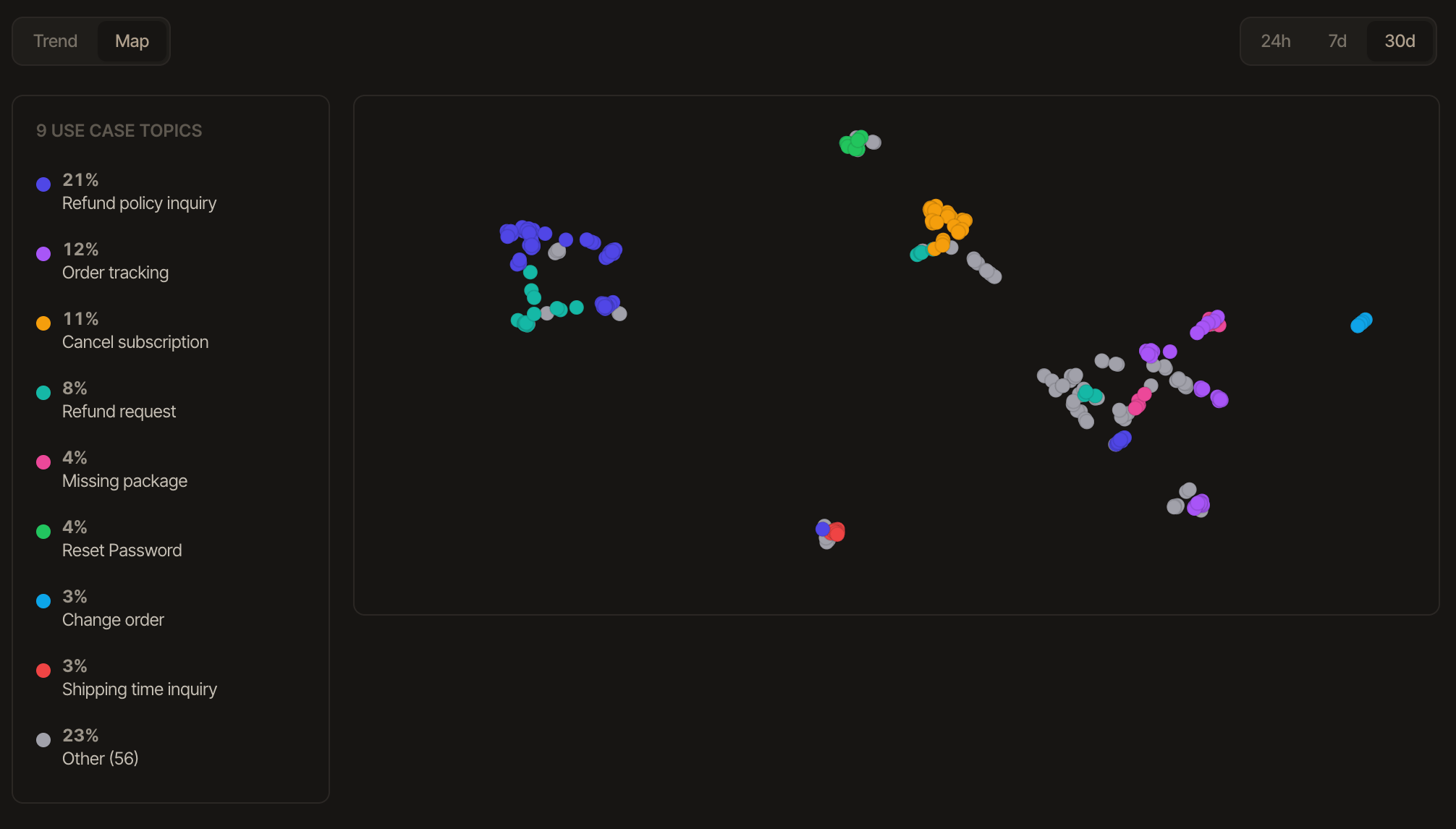 Monitor tells you when your agent fails; **Topics** tells you what people actually ask it. When enabled, an LLM classifier assigns each monitored trace a short topic label, clustered and shown as Overview's topic map and the dashboard's own **Topics** tab - the fastest way to see that 40% of traffic is about one thing your prompt barely covers. It's off by default (every classification is an LLM call against your key): turn it on in Platform Settings → **Monitoring Defaults** → Topics, a single project-level toggle. Classification is per trace, not per session, since a topic describes an individual request.